AI can write a working function in seconds. That's the easy part now. The hard part is knowing whether that function is actually right: safe, correct, simple and something your team can live with for the next two years.
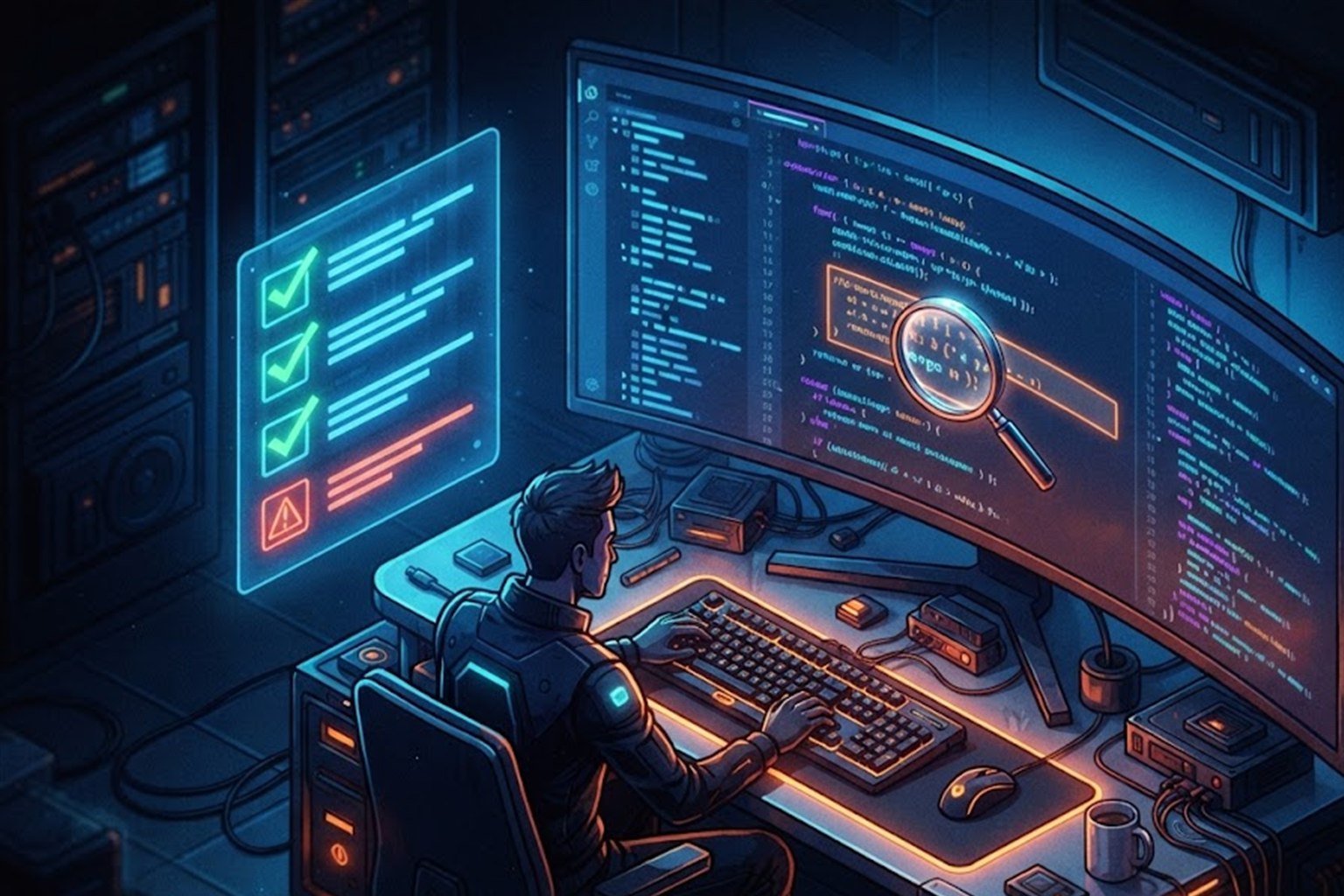
In Code Is Cheap, Judgment Is Not I said the most valuable developer skill today is judgment. Reviewing AI-written code is where that judgment does its daily work. This post is the practical side: what to look for, with a checklist you can copy into your pull request template.
Why AI Code Needs a Different Kind of Review
When a person writes bad code, it usually looks a bit off. Odd names, messy structure, a comment saying "not sure about this". You know where to look.
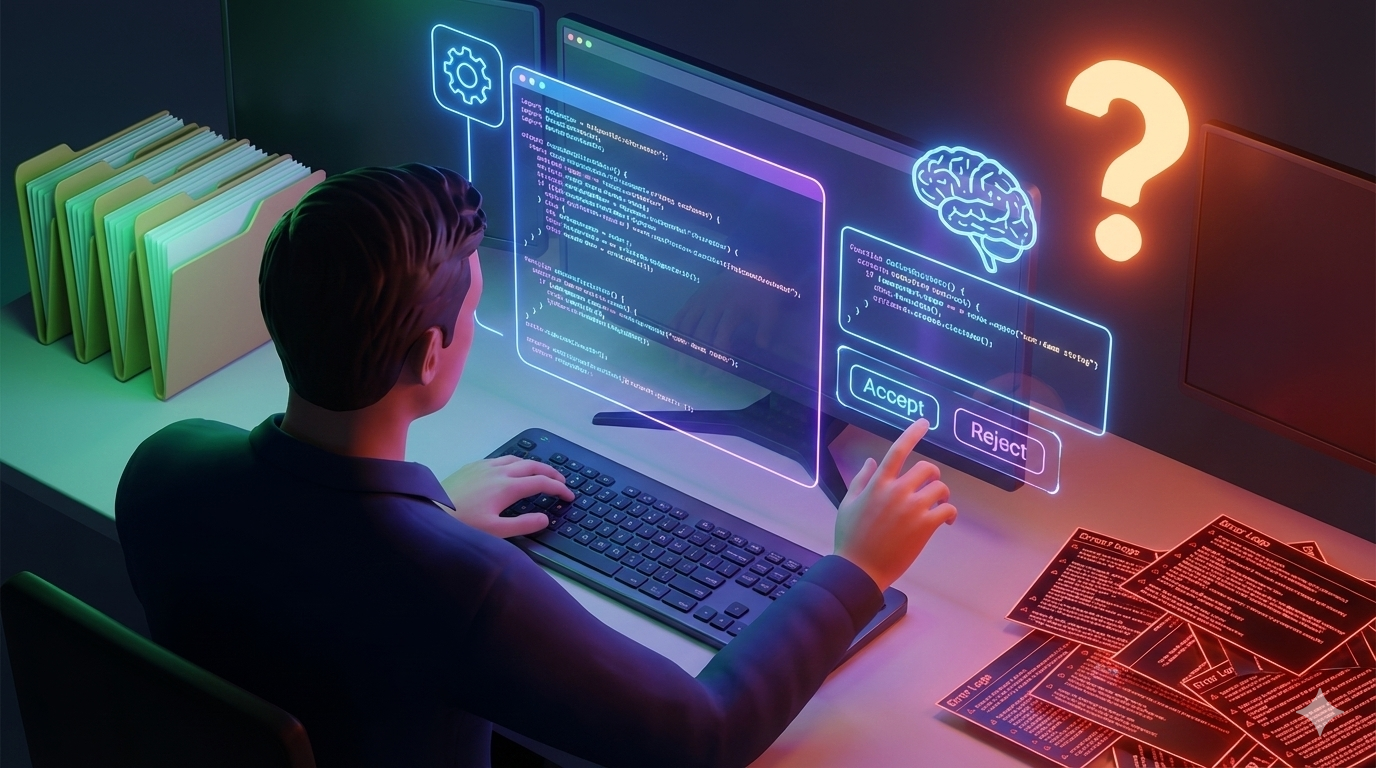
AI code is different. It's always neat, well formatted and confident, even when it's completely wrong. It reads like it was written by an expert, so your brain relaxes and skims. That's exactly when bugs slip through. The rule is simple: review AI code like a pull request from a smart new teammate who has never seen your project. Helpful, often right, never trusted blindly.
1. Does It Actually Solve the Problem?
Start here, before reading a single line closely. AI answers the question you asked, not the one you meant. Check:
- Does it do what the ticket or task really needs, or just what the prompt said?
- Did it quietly change behaviour somewhere else you didn't ask it to touch?
- Did it skip part of the task and leave a comment like "add logic here"?
2. Is Everything It Uses Real?
AI sometimes invents things that sound right: a function that doesn't exist, a method from a different version of the library, a config option nobody ever added, even a whole package. This is called "hallucination". Check every unfamiliar function, method and import against the real documentation or your codebase. And be extra careful with new packages it asks you to install. Attackers now publish packages with names AI tools tend to make up, hoping someone installs them without looking.
3. What Did It Assume?
AI fills gaps with guesses, and it doesn't tell you which parts were guesses. Look for hidden assumptions like:
- The list will never be empty
- The user is always logged in
- The API always returns data in the same shape
- Dates are always in one time zone
- The file always exists and is small enough to load at once
For each one, ask: what happens when it's not true? If the answer is "it crashes" or "it does something strange", that needs fixing.
4. What Happens When Things Go Wrong?
AI code is usually written for the happy path, where everything works. Real life isn't like that. Check what happens when the network fails, the database is slow, the input is empty, or a payment is declined. Watch for errors that are caught and then silently ignored. An empty catch block hides problems until they become big ones.
5. Is It Safe?
This is where AI code causes the most real damage, because security problems don't show up when you test it normally. Look closely at:
- User input: is it checked and cleaned before being used?
- Database queries: are values passed safely, or glued straight into the SQL?
- Secrets: any API keys, passwords or tokens written directly into the code?
- Permissions: does it check that this user is allowed to do this action?
- Output: is user content escaped before it's shown on a page?
Here's a very common example. You ask AI for a function to find a user by email, and it gives you this:
// ❌ Looks fine, works in testing, but is open to SQL injection
$email = $_GET['email'];
$result = $db->query("SELECT * FROM users WHERE email = '$email'");
It works perfectly when you test it with a normal email. But someone can type a specially crafted "email" that changes the query and reads or deletes your data. That's called SQL injection. The safe version passes the value separately, so it can never become part of the SQL:
// ✅ Safe: the email is passed as a value, not mixed into the SQL
$stmt = $db->prepare("SELECT * FROM users WHERE email = ?");
$stmt->execute([$_GET['email']]);
$result = $stmt->fetch();
6. Do the Tests Really Test Anything?
AI is happy to write tests, and they almost always pass. That's the problem. Look out for:
- Tests that check the code runs, but not that the result is correct
- Tests that mock so much that nothing real is being tested
- Tests that copy the code's own logic, so a bug in the code is also "expected" by the test
- No tests for empty input, bad input or failure cases
A quick trick: break the code on purpose, for example by flipping a > to <. If the tests still pass, they aren't protecting you.
7. Is It More Complicated Than It Needs to Be?
AI loves to add things: an extra layer, a helper class, a new library, a config option "for flexibility". Every one of those is something your team has to understand and maintain. Ask: could this be half as long? Do we already have a function that does this? Do we really need a new dependency for ten lines of logic? Often the best review comment on AI code is "delete this".
8. Does It Fit Your Codebase?
AI doesn't know your team's habits unless you tell it. It may use a different naming style, a different way of handling errors, or a pattern your team moved away from last year. Code that works but looks foreign makes the whole project harder to read. Make it match how the rest of your project is written.
9. Will It Be Fast Enough?
AI code is often fine with ten rows of test data and painfully slow with ten thousand real ones. Watch for database queries inside loops, loading a whole table to use one row, or reading a huge file into memory. These problems stay hidden until real users arrive.
10. Can You Explain It?
This is the most important check. If you can't explain what the code does and why, line by line, don't merge it. "The AI wrote it" isn't an answer anyone accepts when production breaks at 2am. If a part is unclear, ask the AI to explain it, then check that explanation yourself. Or rewrite it in a way you do understand.
The Checklist
Copy this into your pull request template, or keep it open while you review:
## AI code review checklist
- [ ] Solves the real task, not just the prompt
- [ ] No unrequested changes elsewhere
- [ ] Every function, method and package actually exists
- [ ] Hidden assumptions checked (empty, null, logged out, time zones)
- [ ] Errors handled, nothing silently swallowed
- [ ] Input checked, queries parameterised, output escaped
- [ ] No secrets in the code, permissions checked
- [ ] Tests fail when the code is broken on purpose
- [ ] Nothing more complex than it needs to be
- [ ] Matches our naming and patterns
- [ ] No queries in loops, works with real data sizes
- [ ] I can explain every line
Make Reviews Easier from the Start
- Ask for small pieces. A 30-line change is easy to review. A 600-line one gets skimmed.
- Give context in your prompt. Mention your framework, version, style rules and what must not change.
- Ask the AI to list its assumptions. "Before the code, list anything you assumed." It's surprisingly honest when asked.
- Ask it to review its own code. "What could go wrong with this?" often finds real problems. Just don't let that replace your own review.
- Run the tools you already have. Linters, type checkers and security scanners catch a lot of AI mistakes for free.
You're Still the Reviewer
AI makes writing code faster, and that's great. But it doesn't take responsibility for what it writes. You do. A careful ten-minute review is the difference between AI making you faster and AI making you a mess to clean up later.
What's the strangest bug you've caught in AI-written code? Add it to your own checklist so you never miss it again.